Screenshot2Text

Screenshot2Text

Extract Text from Image

You cannot highlight words that only exist as pixels. Extracting text from an image means running optical character recognition on a screenshot, a photo of a printed page, or any picture that still has letters in it. Screenshot2Text does that job in this tab: you drop a PNG or JPG, recognition reads the pixels locally, and you copy selectable text into a ticket, an email, or a notes app.

This page is for people who searched specifically for a way to extract text from an image and want a free reader without installing desktop software. The converter on the homepage is the same tool. Recognition uses open-source OCR after you choose a file. We do not upload your image for OCR, and we do not store the picture or the extracted string on a server.

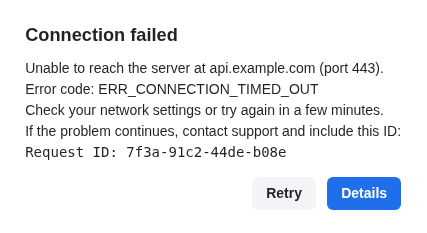
Printed type and clear interface screenshots extract most cleanly — error dialogs, terminal output, settings panels, and documents photographed straight-on with decent light. Crop when the frame is full of chrome you do not need. Skew, motion blur, and very small type reduce accuracy. Messy handwriting and decorative display fonts often come back incomplete; we do not claim those will extract well.

You do not need an account. Pick a language if the source is not English. Drop one image or several; PDFs work too, page by page. Everything is free — the site is ad-supported. Use the drop zone below to extract text from an image now, or open the main free tool on the homepage if you would rather start there.

Or open the main free tool

OCR runs in the browser. We don't upload your file for OCR.

Drop a screenshot, image, or PDF here

PNG, JPG, WEBP, GIF, BMP, or PDF · several files at once · tap to browse

FAQ

What does extract text from image mean here?
It means optical character recognition on a picture you already have. Screenshot2Text reads the pixels in your browser and turns visible letters into a string you can select, edit, and copy.
Which images extract most cleanly?
Sharp screenshots and well-lit photos of printed or UI text. Crop to the region you need. Handwriting, low contrast, and stylized fonts often return gaps — try a tighter, higher-resolution crop if the first pass looks off.
Is this extract-text tool free?
Yes. Every feature is free; the site is ad-supported. You do not create an account. Drop one image, several images, or a PDF.