Screenshot2Text
Photo to Text
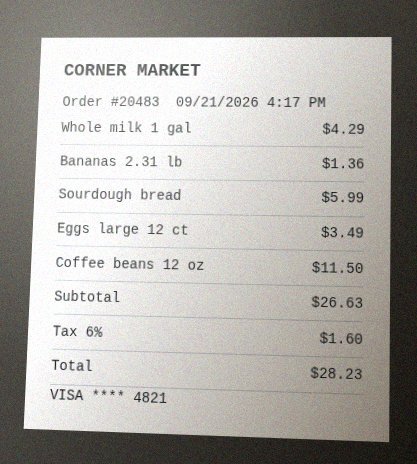
A phone camera is often the fastest way to grab words you cannot type: a whiteboard after a meeting, a posted notice, a slide on someone else's laptop, a menu, or a page from a book you do not want to rekey. Photo to text, sometimes called picture to text, is OCR aimed at those camera shots rather than a clean desktop screenshot.
Screenshot2Text accepts a photo in this browser tab and returns selectable text. Save the picture, drop it on the zone below, wait for recognition, then copy. We do not upload the photo for OCR. The first run may briefly fetch small recognition files to your device (cached after); those requests do not include the picture.
Camera images are harder than screenshots. Lighting falls across the page, the phone tilts, and JPEG compression softens thin strokes. Hold the camera parallel to the surface, fill the frame with the paragraph you need, and watch for glare on glossy paper or a glass whiteboard. Printed posters, typed letters, and sharp photos of a screen convert more reliably than scribbled notes. Messy handwriting is frequently incomplete; we do not promise a usable transcript from a notebook page.
A picture of a picture still works when the letters are large and in focus. If you can take a direct screenshot instead of photographing a monitor, do that. You avoid moire and extra noise. Drop one photo or several; a PDF works the same way. Use this page or open the main free tool on the homepage to start a picture-to-text conversion.